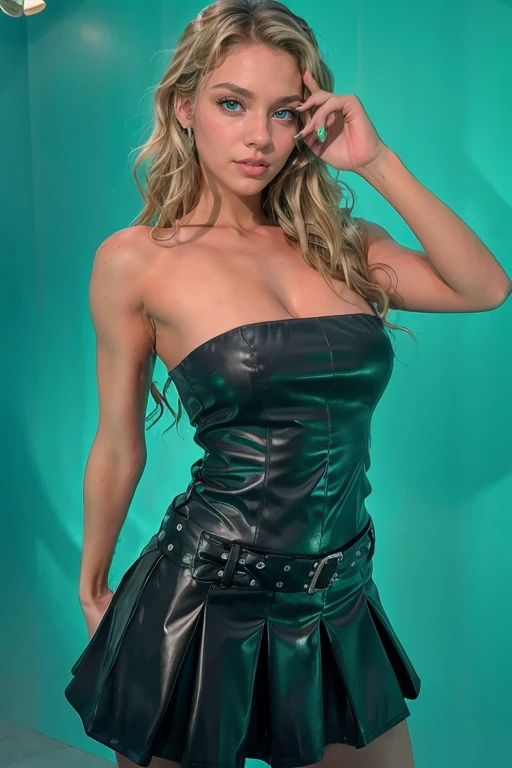
 Before
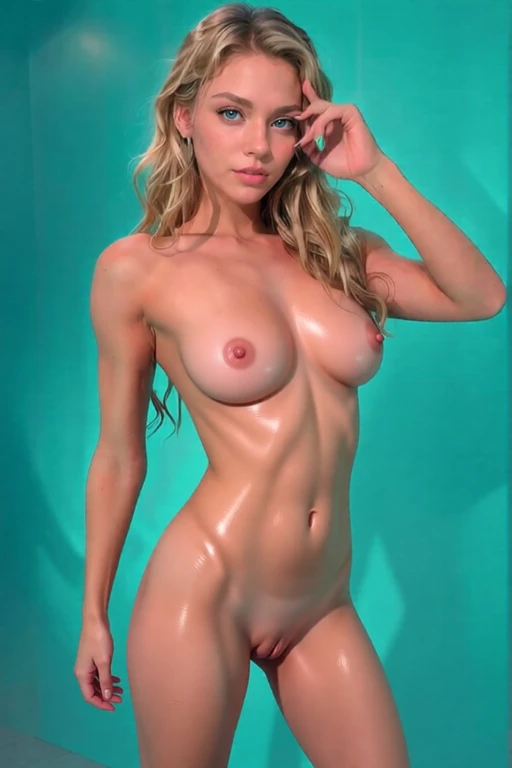 After
AfterBefore & after · AI result in under 3s
1. Open Nudify.my and click "Nudify My Photo Free". You don't need to create an account - we give you 5 free daily credits automatically.
2. Upload your photo. Drag and drop, click to browse, or paste a URL. Supported formats: JPG, PNG, WebP. Max size: 10MB.
3. Pick your style from multiple options. You can also select a colour accent or write a custom prompt if you want specific details.
4. Click Create and wait about 10 seconds. Your nudified photo appears in the gallery with a before/after comparison slider.
5. Download, share, or retry. If the first result isn't perfect, you get one free retry within an hour.
Also available: nudify myself AI, remove clothes AI free, and remove my clothes with AI -- all with 5 free daily credits.