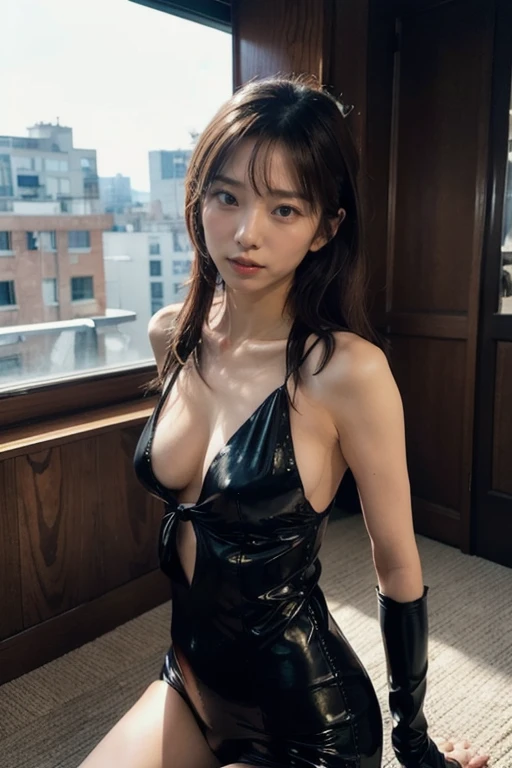
 Before
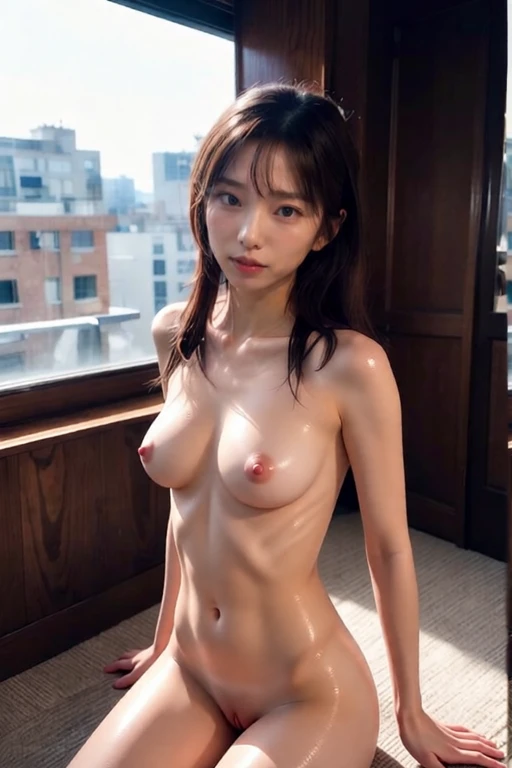 After
AfterBefore & after · AI result in under 3s
Step 1 - Open Nudify.my: Navigate to nudify.my in any browser on any device. You are automatically given 5 free diamond credits. Click 'Nudify My Photo Free' to open the upload interface.
Step 2 - Upload your photo: Drag and drop, click to browse, or paste a URL. Supported formats: JPG, PNG, WebP up to 10MB. For best AI undress results, use a clear, well-lit photo with resolution above 512×512px and a clearly visible subject. Blurry or low-resolution images reduce quality.
Step 3 - Choose a style: Select from multiple AI styles - from tasteful options like swimwear and lingerie to explicit NSFW. You can also enter a custom text prompt for full creative control. See all multiple AI styles on our /styles page. Each style costs one diamond credit.
Step 4 - Click Create and wait: Processing takes 2-4 seconds on our NVIDIA A100 GPU servers. The AI analyzes your photo, identifies clothing regions, and synthesizes realistic nude skin that matches the original photo's lighting, skin tone, and proportions. The AI achieves approximately 85-92% realistic results.
Step 5 - View and save your result: Your AI-undressed photo appears in the gallery with a before/after comparison slider. Download it (subtle watermark on free plan, watermark-free on paid), generate a shareable link, or retry in a different style. Input photo is deleted within 30-60 seconds automatically.